
Using Jira to plan anything
After being in the Atlassian ecosystem for almost a decade and seeing how Jira can be used for almost anything, I thought it was about time for me to prove it, in the form on helping plan my wedding. The big day is basically a big project with very strict timelines, budgets, dependencies, and stakeholder assignments. The entire blog is something fun and different but helps show just how versatile the application is.
Getting your project broken down
Just like any other project your business would do, you need to break it down into your epics (large pieces of work) and subsequent tasks. Your Epics would be things like the photographer, catering, venue etc. while your tasks would be things like, Book a photographer, do a food tasting session with your caterers or go try the wines.
Now with all good weddings and all good projects, having a rough idea on the timeline is also important. End result would be to get your rough timeline in place to help focus conversations with you and your partner and make sure all your suppliers and choices are in place before the big day.
Forms to capture vital information
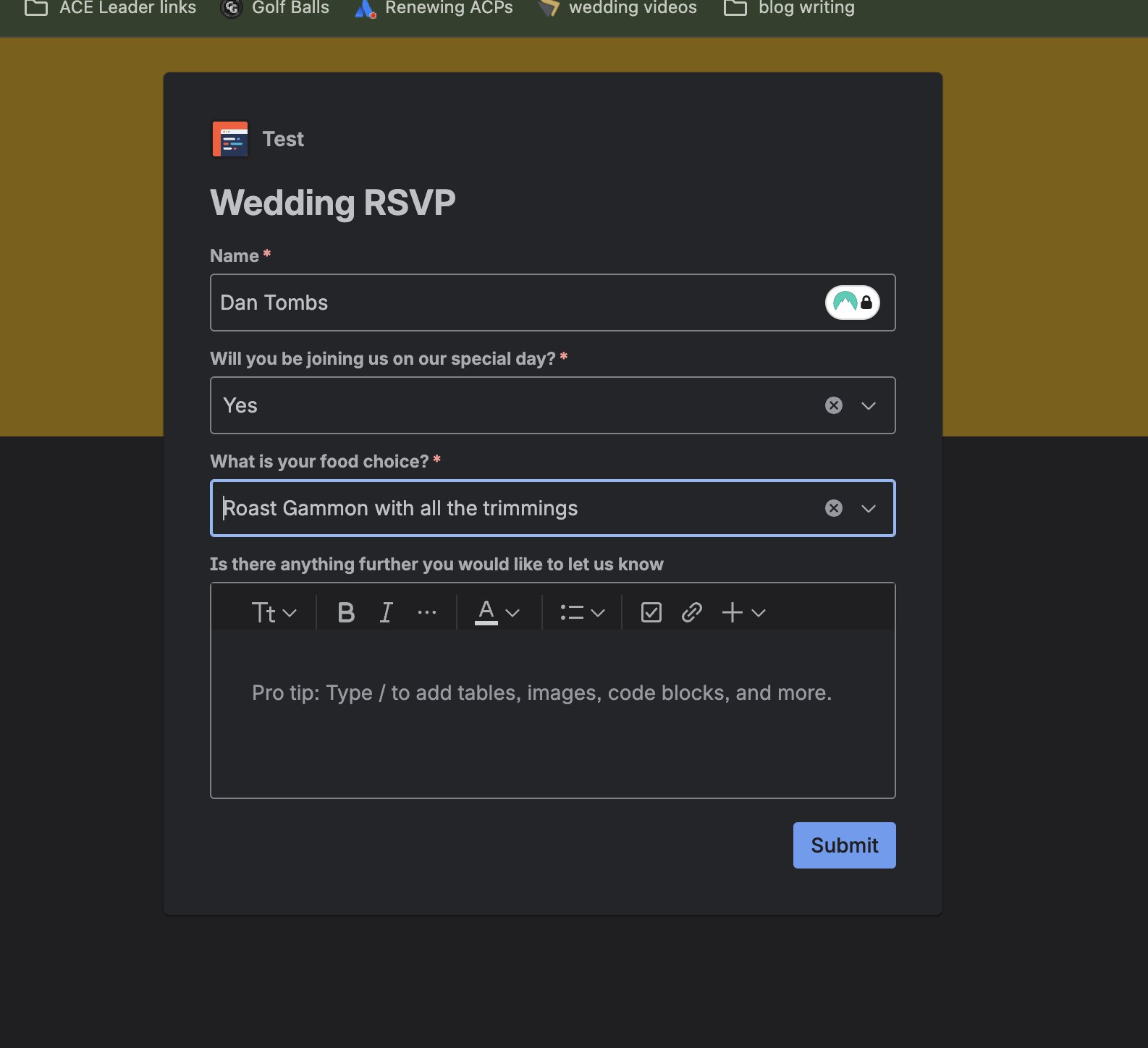
One of the big challenges is getting your RSVPs back on time. This so crucial as it will have a big knock on affect for catering, room hires, drinks you name it. You need a simple form for RSVPs, but something that can easily track and be next to your wedding planning. Jira Service Management has native forms and so do standard Jira projects. While the standard Jira forms are light weight, they still handle this use case perfectly.
The forms can be simple fields, giving you the opportunity track food choices and dietary requirements, who is coming as well as any further details you think you need.
Once happy with the form, you can easily provide this link to your guests using QR codes or through other means.
As you start to gather the responses, think about some of the automations you may want off of the back of them. Removing their names from future communications or by auto counting food choices to share with your caterers. You could even look to creating dashboard filters to count and help visualise information by using charts to count responses.
Timelines & Dependencies
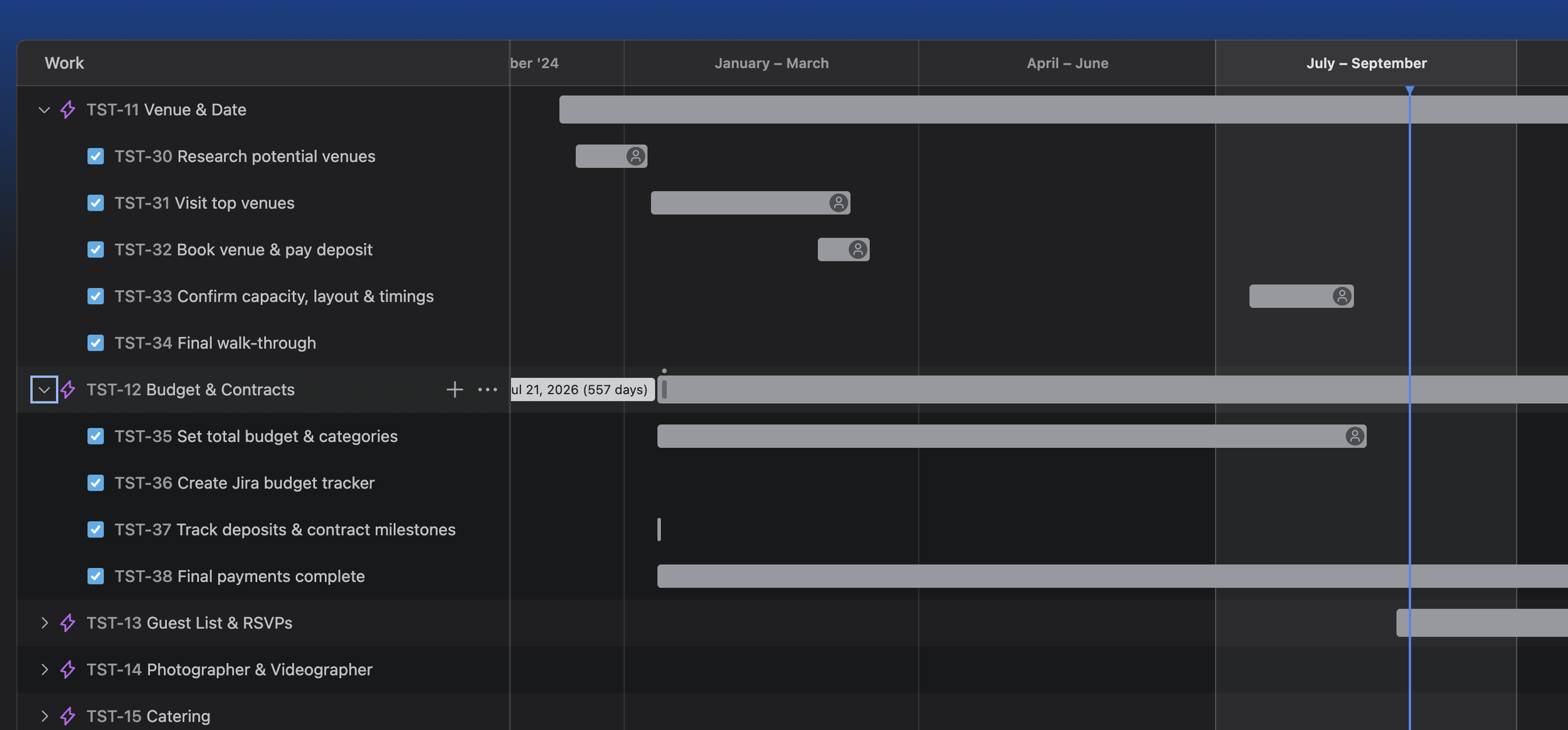
Getting your timeline and deadlines visualised is crucial to helping keep your wedding on track. Atlassian provides Advanced roadmaps or single project timelines depending on the tier, but there are also some brilliant marketplace apps that can help you keep on track, and see what is coming down the road. Apps like Swanly, BigPicture, WBS Gantt can offer additional functionality over native and are great additions to your instance.
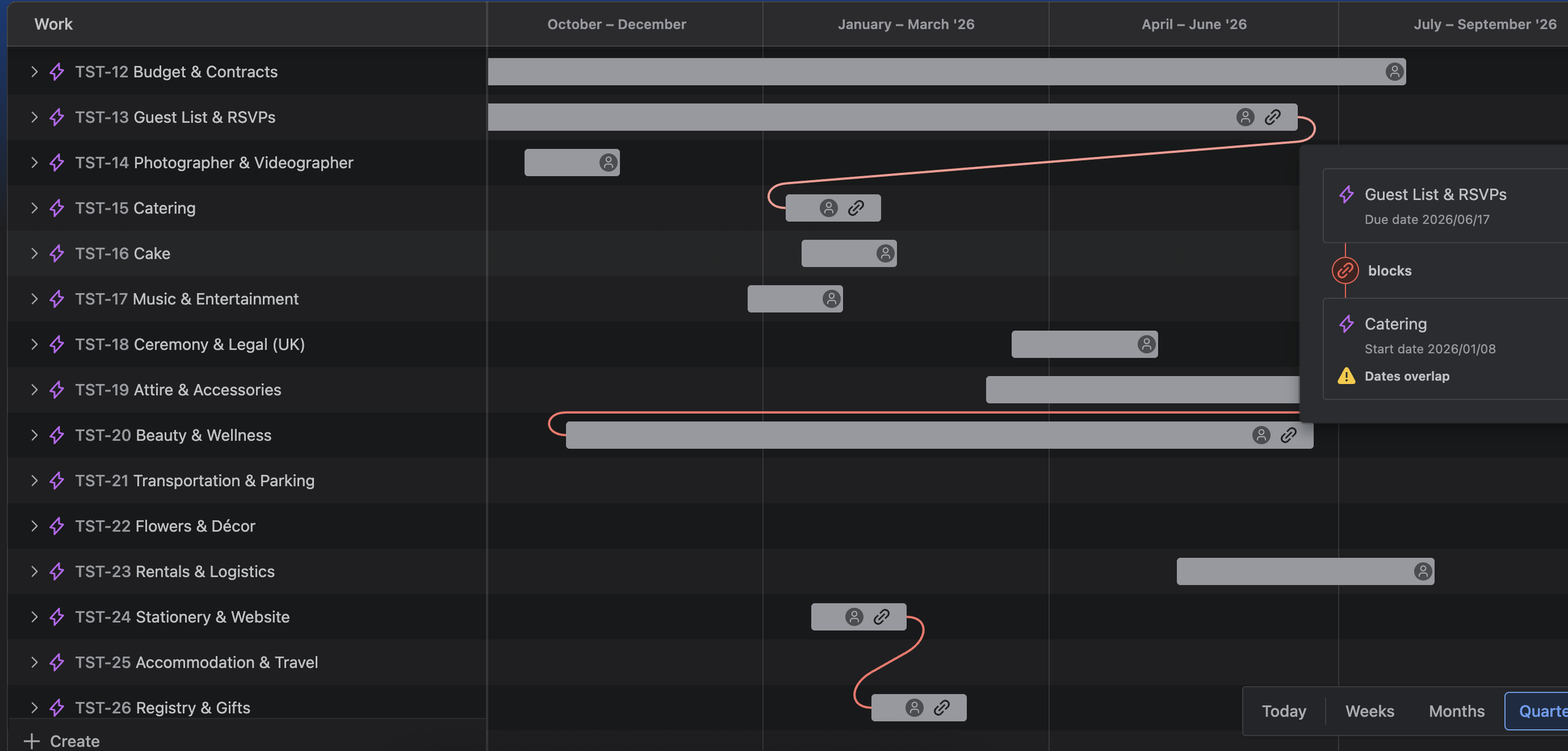
With gantt you can help showcase prioritisation and dependencies across your projects. Whether it is on the critical path like venue, caterers and invitations or non critical path like wedding games or evening songs.
It’ll also help provide with an expectation of just roughly what you should be doing before the big day arrives. Check out the example timeline.
–12 to –9 months: Secure venue, photographer.
–8 to –6 months: Plan décor, music, accommodations.
–6 to –4 months: Invitations, RSVPs open.
–4 to –2 months: Catering, cake tasting after guest counts.
–2 to –0 months: Final logistics, rehearsals.
Budget Approvals & Tracking
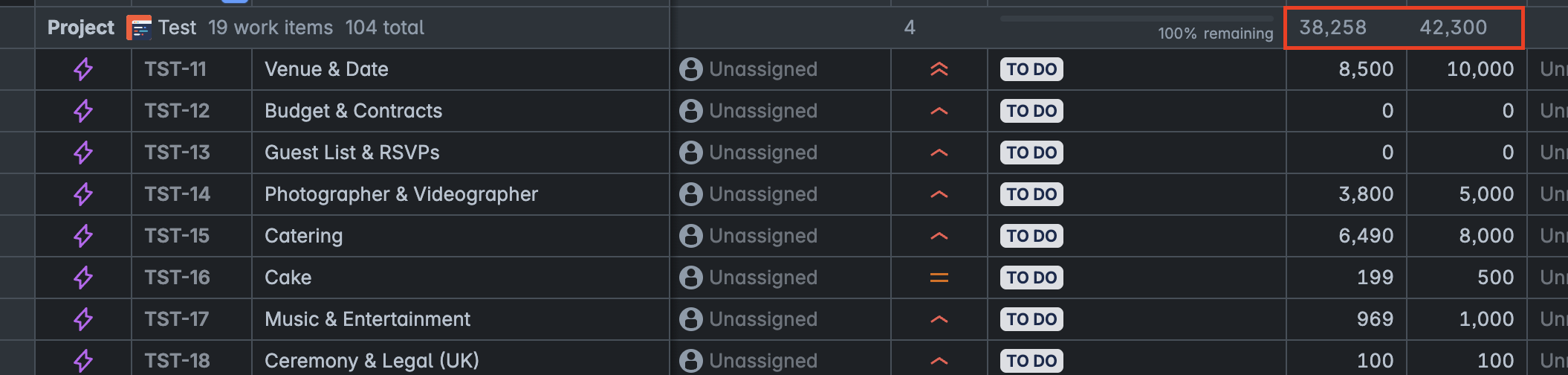
The largest challenge with a wedding for so many is staying on budget. But since you can track almost anything with Jira, creating budget and cost fields allows us to help track potential spending across all areas of a wedding (project).
Visualising is what takes it from basic number tracking to useful understanding. Apps like JXL auto sums any number field to help present the numbers quickly and easily. While Dashboard charts help add a splash of colour.
Like any major project, tracking the numbers is crucial for success. When getting close to spending or going over, you can start to employ smart automation rules by notifying people of the costs, or notifications for overdue tasks. Simple rules like this can help any project manager maintain control of their projects.
Assignments & Accountability
Tracking all work is crucial. Knowing who should be doing the tasks creates accountability, increasing the likelihood for a better outcome. Reducing that noise is essential to any project success.
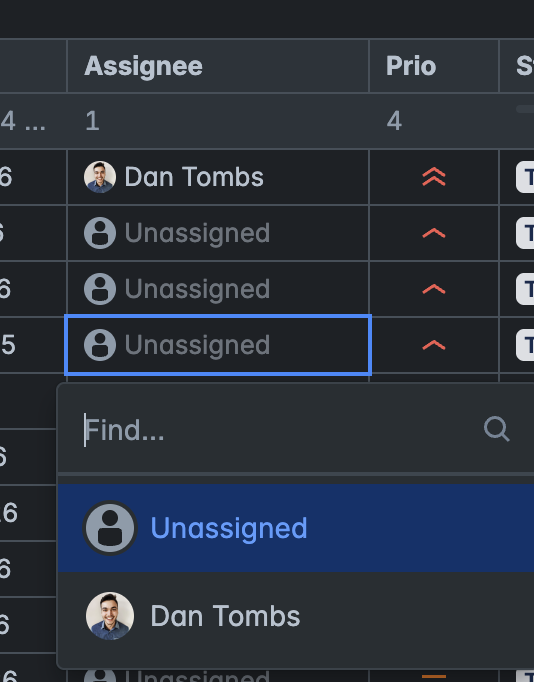
Using the native assignee fields, meant we were easily able to split the tasks appropriately. Using automation rules, we were able to make notify ourselves any times work items were due for completion.
Dashboards & Real-time Reporting
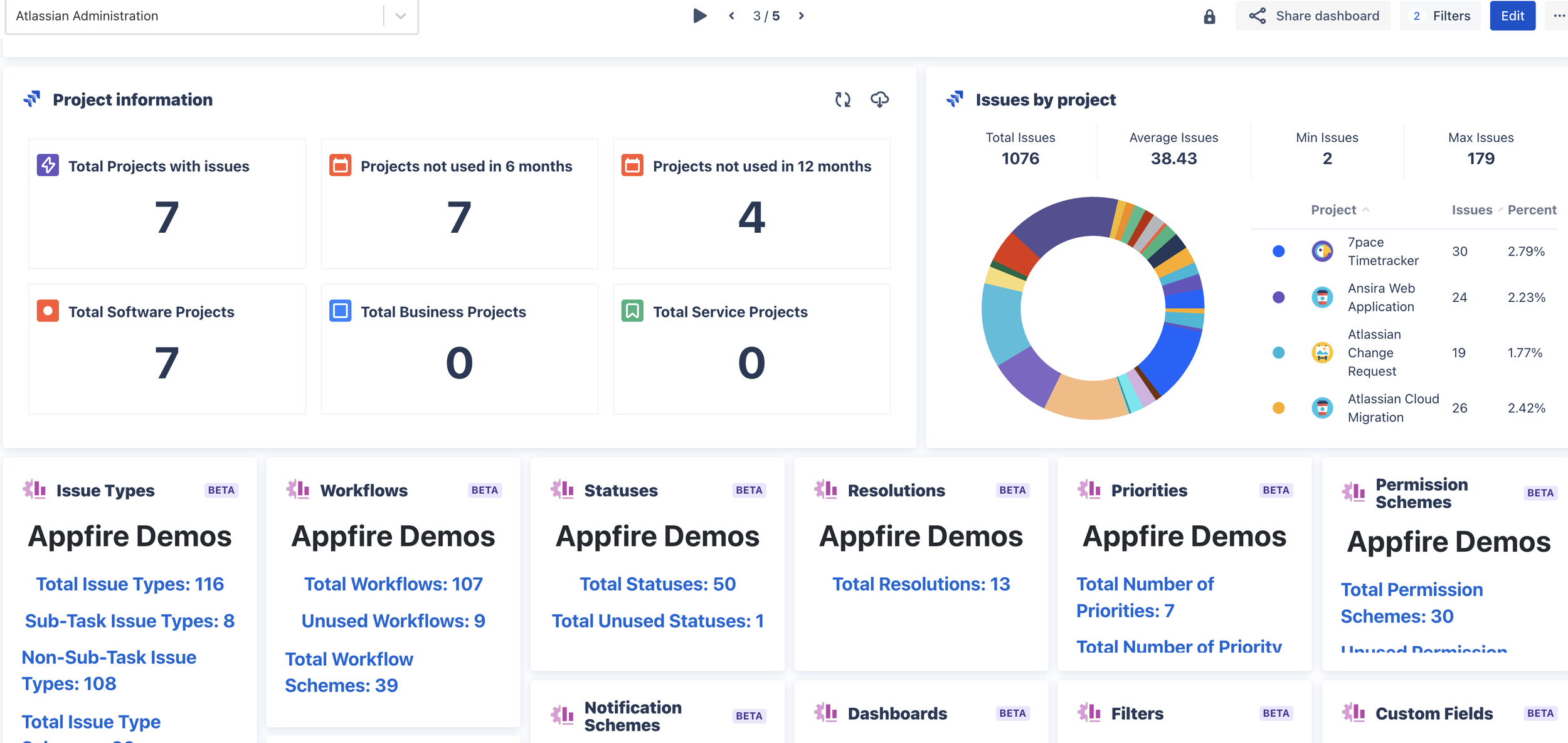
Just like any project, getting visuals allows anyone at a glance to understand the big picture and track the most vital of information. Jira does offer native dashboard functionality, but the functionality can be limited. Marketplace apps are the best way to get decent reporting visuals. Apps like Dashboard Hub Pro or Custom Charts for Jira offer brilliant in product reporting capabilities without the need to take all data to something like Power BI or Tablaeu. However, if your companies do use either of these BI products, just know there are connectors out there for both applications. See PowerBI or Tablaeu.
On-The-Day work
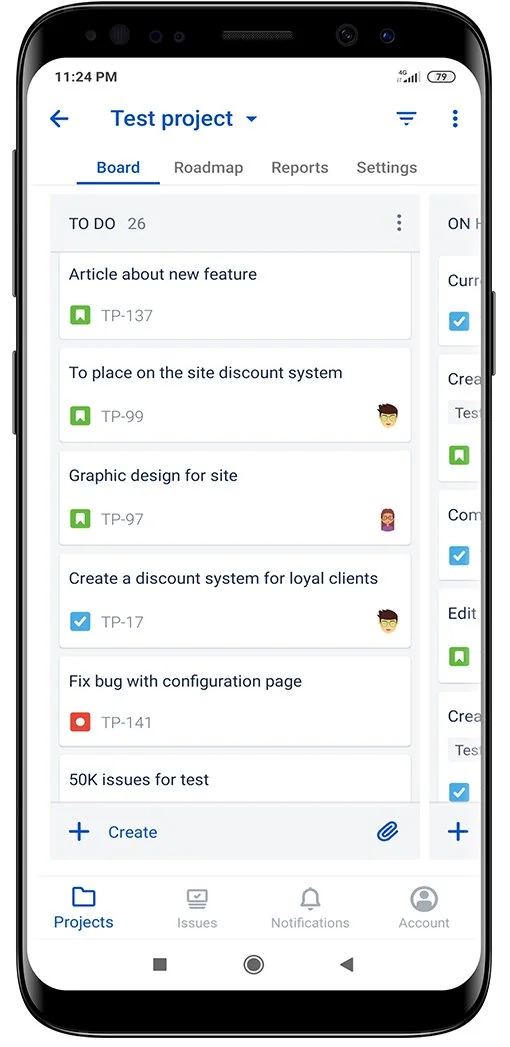
While this is not something we did on the day, there were so many tasks that the wedding party had to do it may have been worth it. Creating a simple to do list styled project and assigning those tasks out would allow for a better understanding of all the tasks at hand.
Using the mobile Jira app would allow any assignees to easily track the tasks assigned to them and lend a hand to other areas where required.
Why it matters: When the big day arrives, coordination becomes 100% critical.
TL;DR
While this article was more for a bit of fun, it is showing the flexibility and feasability for Jira to plan almost anything. Atlassian is seen by so many businesses as their strategic internal collaboration products for this very reason. You gain clarity by breaking down tasks into Epics with clear due dates and assignees, ensuring nothing slips through the cracks.
Automation rules help streamline critical processes and automatically actioning work to allow users to focus on more important elements, reducing manual effort significantly. Visual tools such as boards, timelines and dashboards provide a comprehensive overview all in one place.